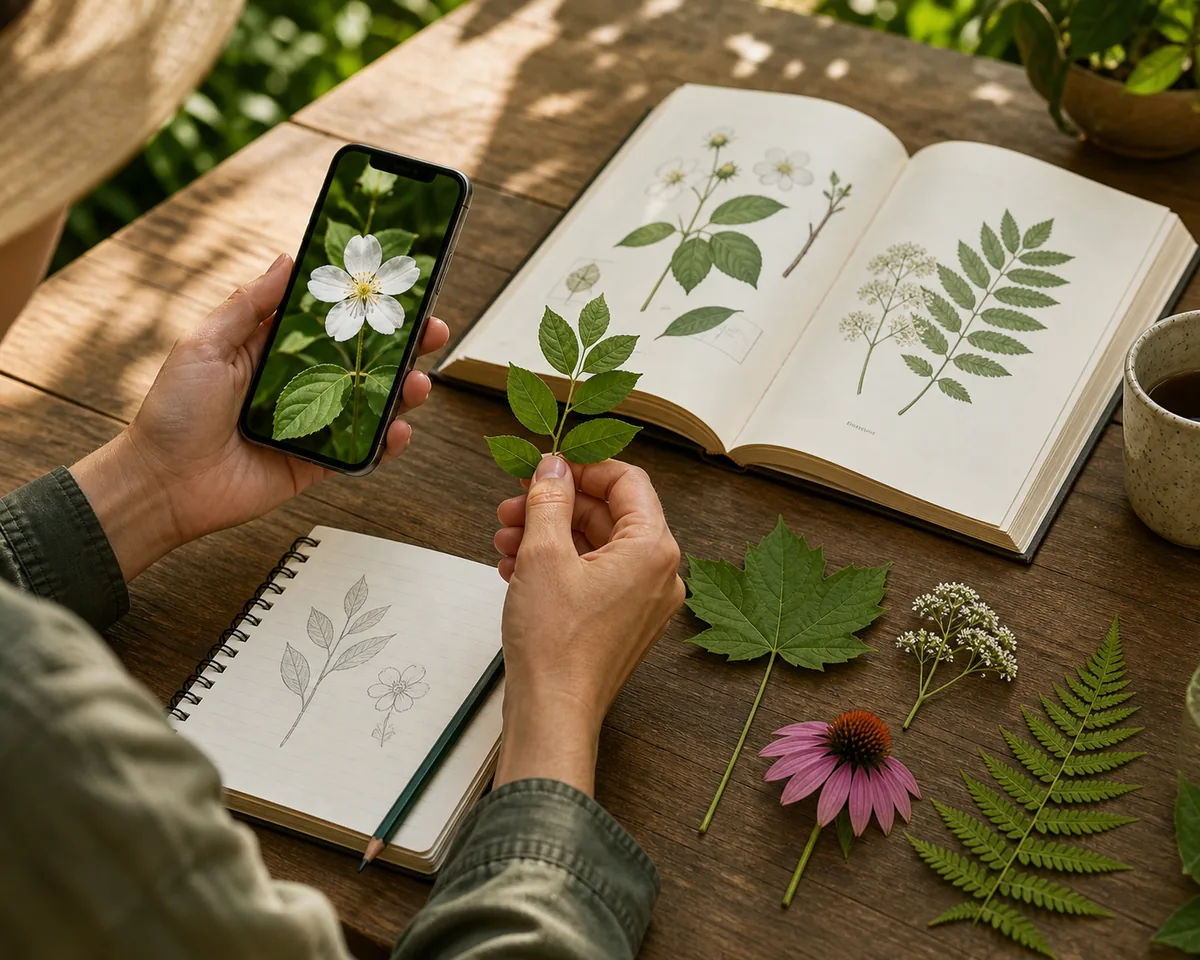
The short answer: start with the kind of free you actually need
For a quick browser lookup, start with a free online plant identifier that lets you upload a photo, understand the result format, and see its limits before you commit. That is usually more useful than installing several apps just to compare their home screens.
If you want a research trail, a community or field-guide service may be the better free choice. If you only need a broad visual clue, a general image search can help, but it may return lookalikes without plant-specific reasoning. The right choice is the one that matches your next decision.
- Choose a browser tool when you want no-download access and a fast first answer.
- Choose a community or field reference when you want species context and manual verification.
- Choose an app only when saved history, reminders, offline access, or repeated use matters.
- Use a second source whenever the plant could be toxic, edible, invasive, or otherwise safety-sensitive.
What “free” means for plant identification
A page can be free to open without offering unlimited live identification. Before you judge an option, separate the cost of access from the cost of a result. A transparent free preview can still be valuable if it shows how the workflow works, what a result contains, and when an account or credits are required.
The table below is a simple way to compare claims. It keeps the decision practical instead of treating every “free plant identifier” label as the same product promise.
| Option | Best for | What you can learn | Common limit |
|---|---|---|---|
| Free browser preview | Trying a workflow before installing anything | Photo tips, sample output, and next steps | A live result may need sign-in or credits |
| Limited free scans | Occasional lookups | A likely name from a real photo | Daily or monthly limits can change |
| Community or field reference | Research and manual checking | Names, observations, range, and lookalikes | You may need to interpret the evidence yourself |
| General visual search | A broad first clue | Visually similar pictures and pages | Results may not explain why the match fits |
| Printed or saved field guide | Outdoor learning or offline use | Local species context and identification keys | Slower when you do not know which features matter |
Compare the main free plant identifier approaches
There is no single best plant identifier for every situation. A browser-first tool is convenient when you are holding a phone and want a likely match quickly. A biodiversity platform can be stronger when you want observations, locations, or a human-verifiable research trail. A general visual search is flexible, but it is not designed around botanical evidence.
Use the comparison as a decision guide, not a permanent ranking. Free limits, account rules, supported regions, and result quality can change, while your photo and the plant category still matter most.
| Approach | Use it when | Strength | Check before relying on it |
|---|---|---|---|
| Plant Identify browser workflow | You want a quick plant photo lookup without an app download | Clear upload path, likely names, care context, and photo guidance | Review current access and treat the result as a likely match |
| Pl@ntNet or similar plant reference | You want a plant-focused research source | Botanical context and a broader learning path | Confirm the image, region, and species-level evidence |
| iNaturalist or Seek | You want community observations or nature learning | Useful context from observations and natural-history participation | A community suggestion is not automatically a confirmed identification |
| Google Lens or visual search | You need a broad clue or a page-finding shortcut | Fast discovery across many image types | Similar-looking images can create false confidence |
| Local field guide | You are outdoors or checking a regional species | Local range, terminology, and distinguishing features | Learn which leaf, flower, fruit, or bark traits separate lookalikes |
How to choose the best free plant identifier for your situation
Start with the question behind the photo. Someone asking “what plant is this?” needs a fast shortlist. Someone deciding whether a plant is safe near a pet needs confirmation from a reliable local or veterinary source. Someone cataloging a garden may care more about saved history and scientific names than about a one-click answer.
A good choice should also make its uncertainty visible. Look for a result that explains likely matches, shows lookalikes, gives photo advice, or tells you what to check next. A confident name with no reasoning is harder to review than a shortlist tied to visible traits.
- For one-off home questions: prefer a browser workflow with a clear sample or preview.
- For repeated garden records: compare history, export, account, and reminder features before installing.
- For wild plants: choose a source with regional context and verify the location and season.
- For flowers, trees, or weeds: use a category-specific page when the distinctive feature is easy to photograph.
- For safety-sensitive choices: use identification only as a starting point, then confirm with qualified local guidance.
Better photos usually beat a longer app list
A free plant identifier cannot recover detail that the photo never captured. Before switching services, improve the evidence. Use soft daylight, keep the subject sharp, and fill enough of the frame that leaves, petals, bark, or fruit are easy to inspect.
The strongest upload is often a small set of complementary views: one whole-plant image for growth habit and one close detail of the feature that separates similar plants. Avoid filters, heavy glare, and backgrounds that hide the edge of a leaf.
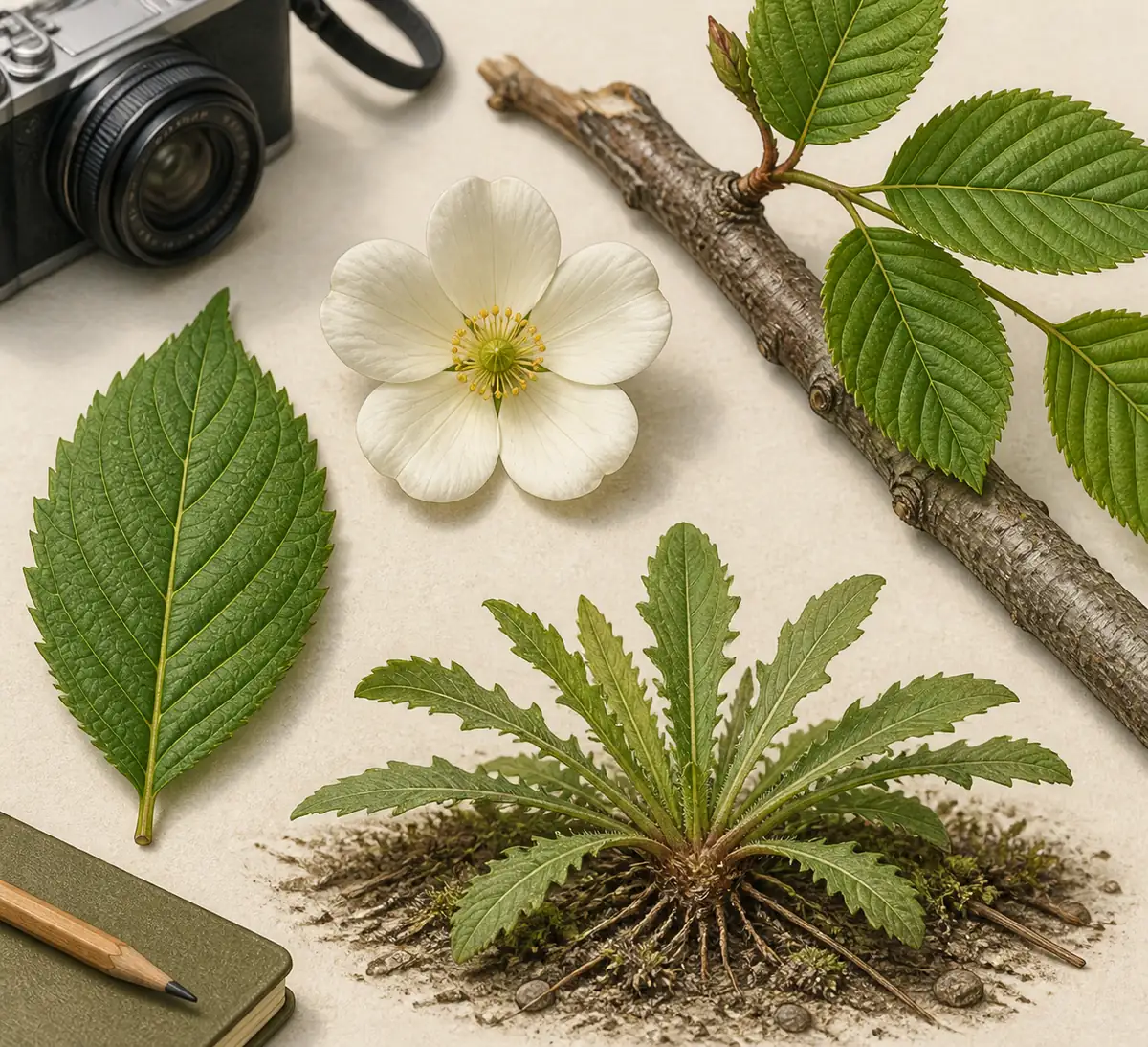
- Leaf: show the outline, edge, veins, texture, and how the leaf attaches to the stem.
- Flower or fruit: include the center, arrangement, color pattern, and scale when possible.
- Tree or shrub: add bark, branching, and a whole-plant view instead of one distant canopy photo.
- Weed or groundcover: show the rosette, stem, setting, and nearby growth habit without touching an unknown plant.
- Second angle: photograph the feature that distinguishes the top two lookalikes.
iPhone, Android, and no-download use
If your main requirement is “best free plant identifier app for iPhone,” check whether you actually need an app. A browser page can be enough for a single lookup, while an installed app becomes more useful when you want history, reminders, offline references, or repeated field use. The same decision applies on Android.
No-download access also makes comparison easier: you can open a browser tool, review its photo instructions, and decide whether the live result is worth using before adding another subscription or app permission to your device.
- Browser first: useful for a one-time plant question or a shared device.
- iPhone or Android app: useful when you identify plants frequently and need saved records.
- Tablet or desktop: useful when you want to compare a result with a field guide or care page side by side.
- Offline field work: keep a regional guide available because network access may be unreliable.
Accuracy, safety, and subscription limits
Photo identification is a probability-based shortcut, not a laboratory confirmation. Similar species can share the same leaf shape, a young plant may not show its mature traits, and a single angle can hide the feature that matters most. If the result offers several possibilities, that can be a useful sign that more evidence is needed.
Do not use a free plant identifier as the only basis for eating a wild plant, treating a medical problem, handling a potentially irritating species, choosing a pesticide, or deciding whether a plant is safe for a pet. Confirm safety-sensitive questions with qualified local guidance and the relevant authoritative source.
Also check the access wording. “Free to try,” “free preview,” and “free live scans” are different promises. Read the pricing or account notice before submitting a real result so you know what happens after the first screen.
- Treat the first name as a likely match and compare the visible traits yourself.
- Use the result to choose a better second photo, not to hide uncertainty.
- Read current account, credit, subscription, and cancellation information before live identification.
- Keep a specialist or local source in the loop for toxicity, edibility, invasive-plant, or medical questions.
Use the Plant Identify page that matches your next question
A comparison guide is useful for choosing a starting point, but the next page should match the action you want to take. These existing pages separate the main search intents instead of forcing every visitor through one generic plant identifier.
If you are still unsure, start with the browser workflow, then move to care or category-specific guidance after you have a likely match.
Best Free Plant Identifier FAQs
What is the best free plant identifier?
The best choice depends on whether you want a quick browser answer, repeated app use, or a research trail. For a one-off lookup, start with a transparent browser workflow and a clear photo, then verify the likely match with a second source when the decision matters.
Are free plant identifier apps really free?
Some are free to install, some include a limited number of scans, and some offer a free preview but charge for live results. Check whether the wording describes access, a sample, or an actual identification before you upload a photo.
What is the best free plant identifier app for iPhone?
There is no universal winner. If you only need one lookup, a browser tool may be enough. If you identify plants often, compare saved history, reminders, offline access, privacy, and the number of free scans before choosing an iPhone app.
Can I identify a plant online without downloading an app?
Yes. A browser-based plant identifier can be useful for a phone, tablet, or desktop lookup without an installation step. You should still check the current access rules and use a clear, well-lit photo.
How accurate is a free plant identifier by photo?
Accuracy varies with the plant, the photo, and the number of lookalikes. A close detail plus a whole-plant view usually gives more useful evidence than a distant or filtered image. Treat the result as a likely match rather than proof.
Can a free plant identifier tell me if a plant is safe to eat or safe for pets?
No. A photo result should not be the only basis for eating, touching, treating, or giving an unknown plant to a pet. Verify safety-sensitive questions with a qualified local source or professional guidance.
Should I use Google Lens, a plant app, or a field guide?
Use Google Lens for a broad clue, a plant-focused app or browser tool for a structured likely match, and a field guide or community reference for deeper verification. Combining two different approaches is often more reliable than repeating one weak photo search.
Helpful official references
- Pl@ntNet — Official plant-focused reference and identification project.
- iNaturalist — Official community platform for nature observations and species learning.
- Google Lens — Official visual-search entry point for broad image-based lookups.
The practical verdict
For most one-off questions, the best free plant identifier is the one that opens quickly, explains what its result means, and makes its limits visible. Start with a no-download browser workflow, use a clear photo, and keep a second source nearby for verification.
If you identify plants often, move from convenience to fit: compare history, offline access, privacy, free scan limits, and the kind of evidence each service provides. The app list matters less than the quality of the photo and the care you take with uncertain or safety-sensitive results.
Try Plant Identification Online