
PLANT IDENTIFY FOR ANDROID
A Plant Identifier App for Your Android Phone
Take Plant Identify with you when you are caring for houseplants, visiting a nursery, or exploring outdoors. Upload a photo in the Android app and review likely plant matches, names, care context, and safety notes in one focused workflow.
Android app available on Google Play. Results are AI-generated and should be verified for safety-sensitive decisions.
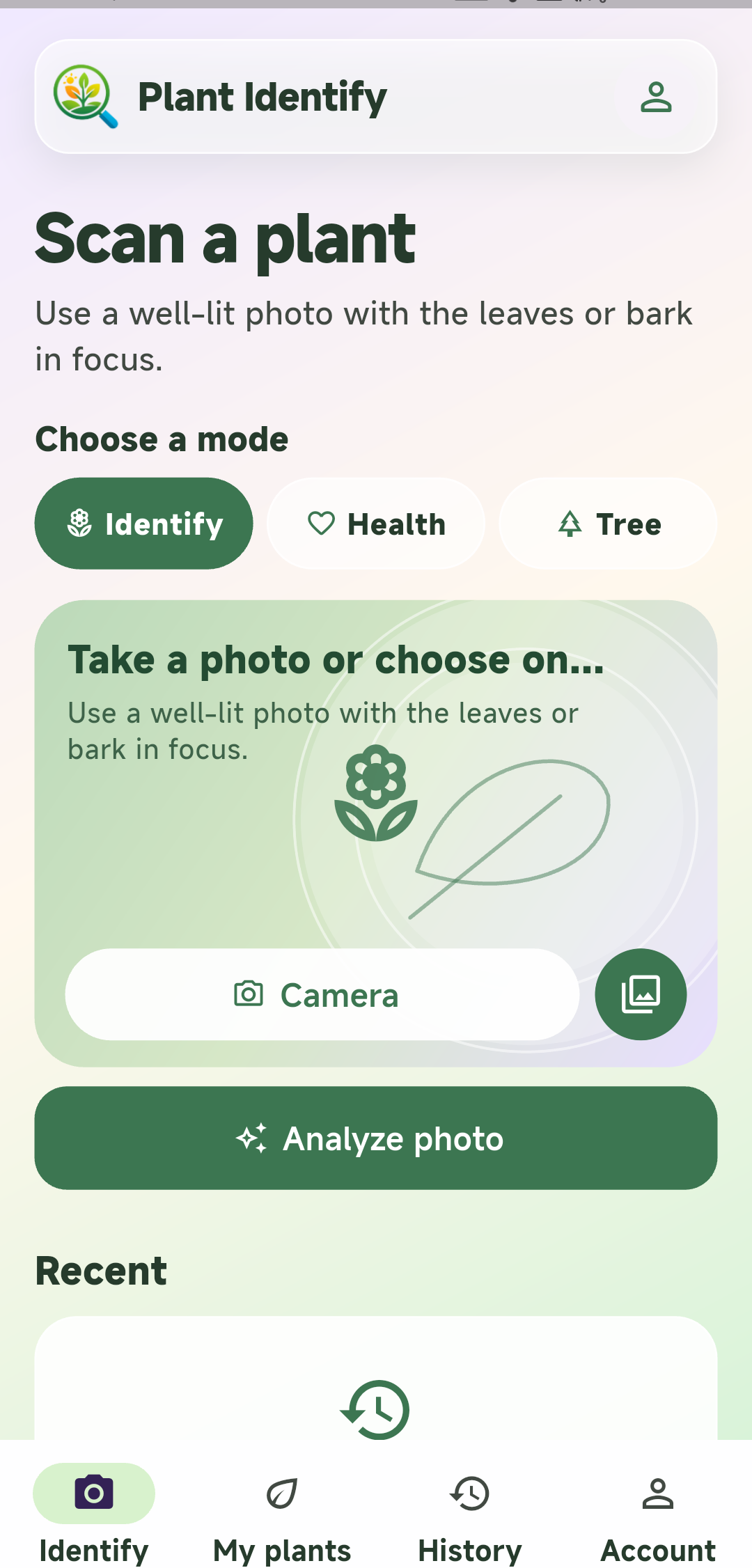
See Plant Identify on Android
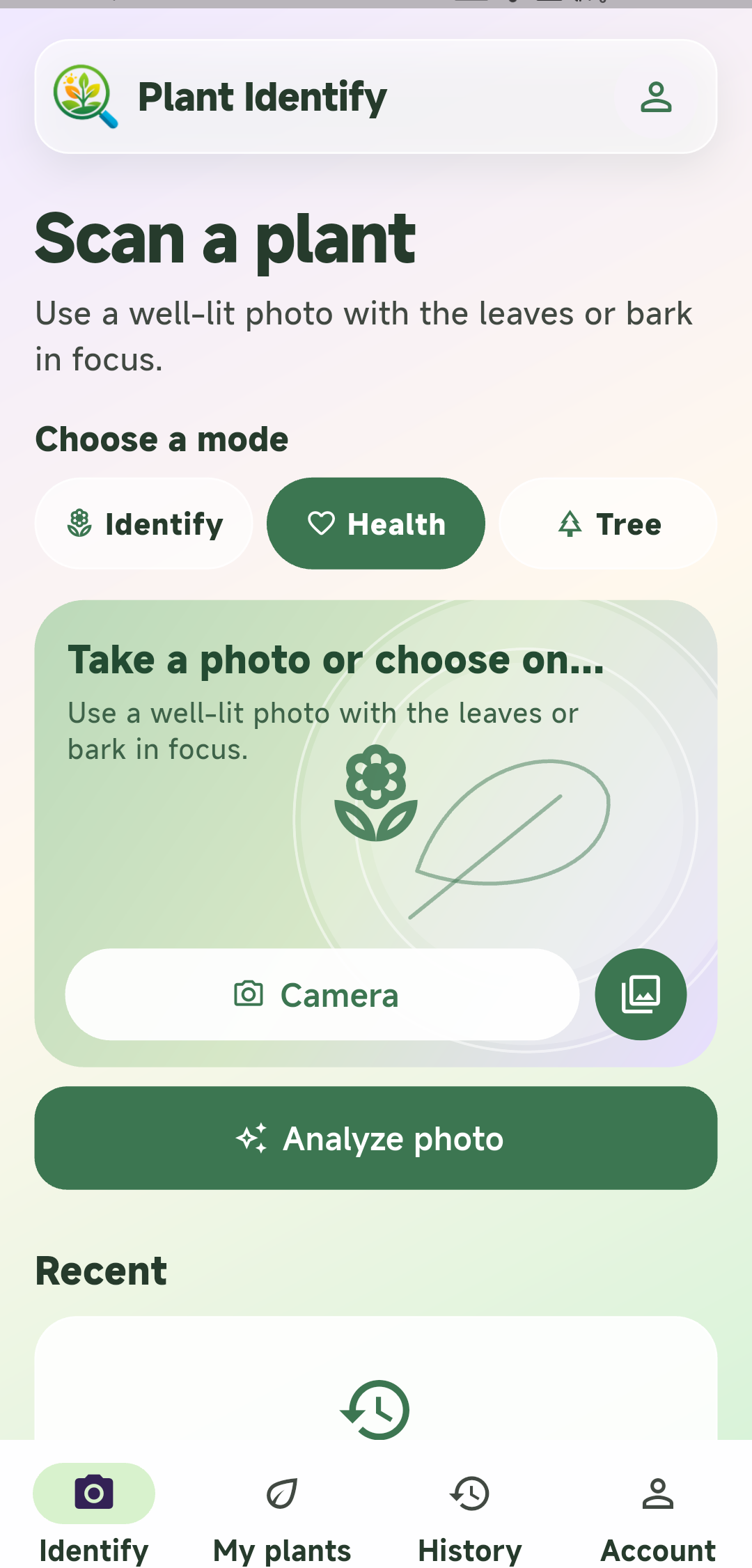
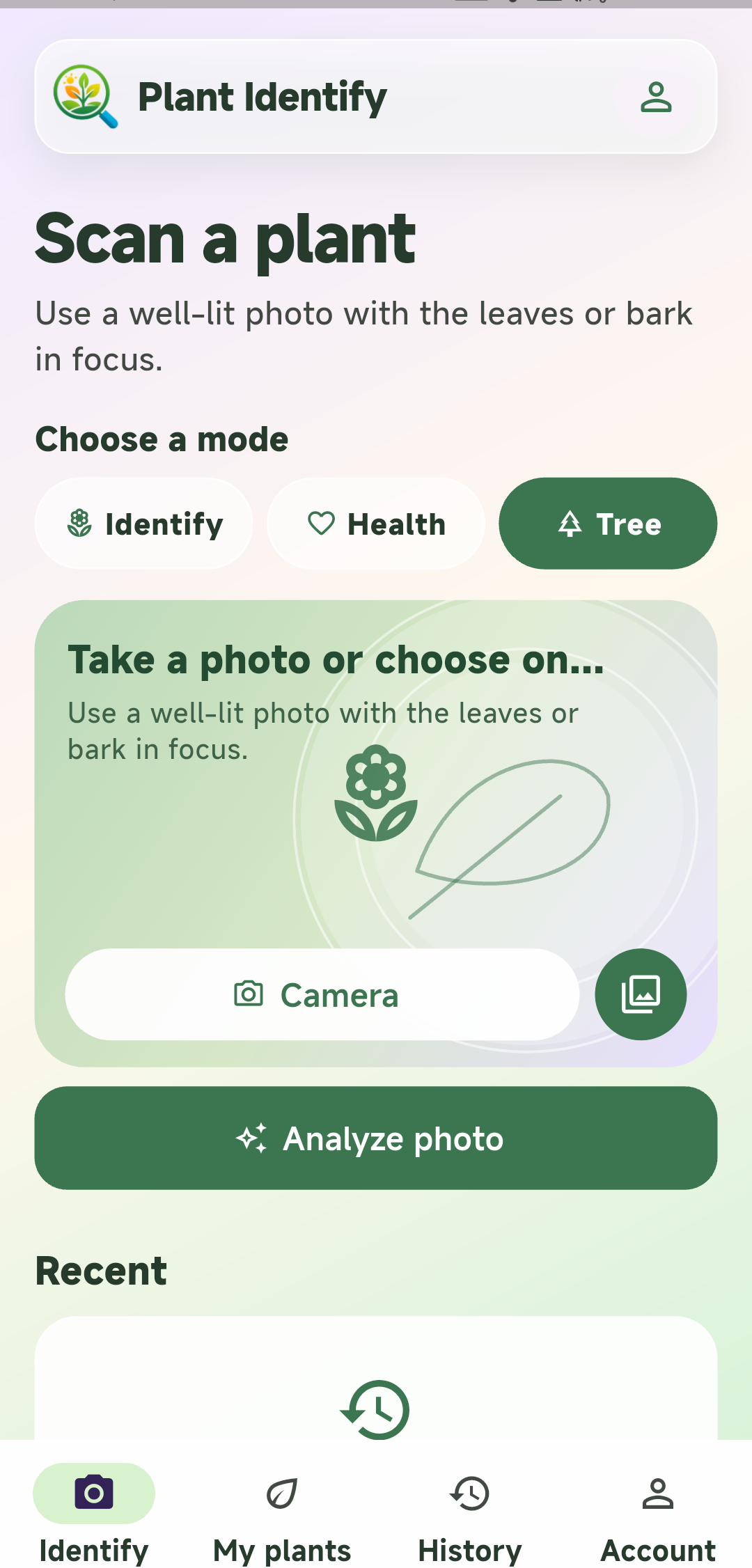
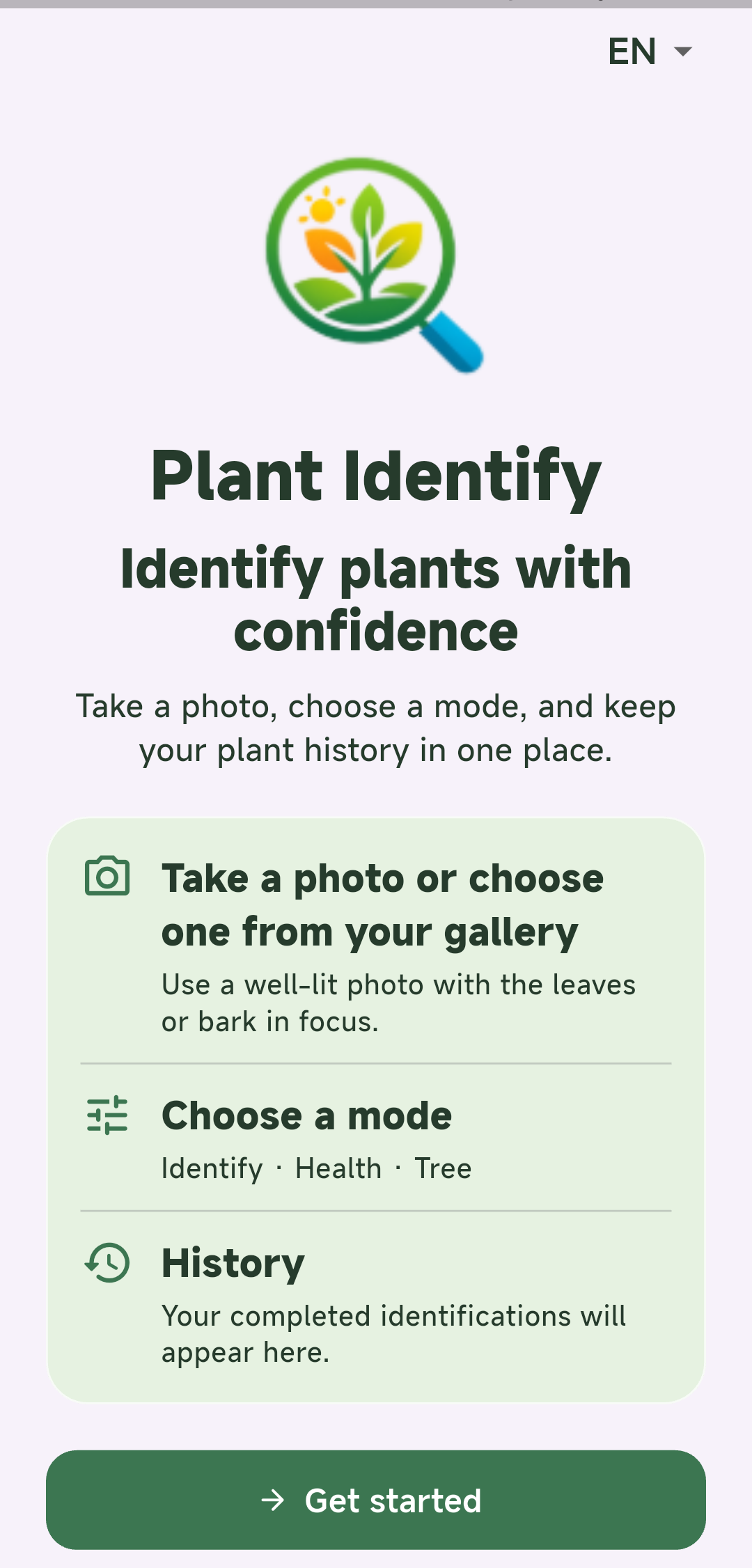
What the Android App Helps You Do
Identify from a camera photo
Capture a leaf, flower, tree, or whole plant without leaving the app.
Choose from your gallery
Use an existing photo when you are reviewing plants you photographed earlier.
Read useful plant details
Review likely common and scientific names together with family, care, and possible lookalike context.
Keep a repeatable workflow
Use the mobile experience when you identify plants regularly at home, in a garden, or outdoors.
How to Identify a Plant in the App
Open Plant Identify
Launch the app and choose whether to take a new photo or select one from your gallery.
Frame the useful detail
Use good light and show the leaf, flower, bark, fruit, or another feature that separates similar plants.
Review the likely match
Read the name and supporting details, then compare the result with the visible traits in your photo.
Android App or Browser Tool?
Use the Android app when you identify plants often and want a dedicated mobile entry point. Use the browser version when you need a one-time lookup, are on a shared device, or do not want to install an app. Both workflows are designed to help you start with a clear photo and treat the result as a likely match.
- Dedicated Android launch point
- Camera and gallery workflow
- Useful for repeat scans
- No installation required
- Works on desktop and mobile browsers
- Easy to share as a link
A practical guide to using Plant Identify on Android
When the Android app is useful
Use Plant Identify at home, in a nursery, or outdoors when you want to check a plant from your phone. The app keeps the camera and gallery workflow in one place.
Start with a clear photo
Take a whole-plant photo first, then add a close view of the leaf, flower, bark, or fruit. Good light and a sharp subject make comparisons easier.
Review the likely result
Read the suggested name, family, care context, and lookalike notes. Compare those details with the traits visible in your own photo.
Use trusted sources for safety decisions
A photo result is a probability-based suggestion. Confirm questions about eating a plant, medical use, irritation, pesticides, or pets with a reliable local source.
Choose the browser when you do not want an app
The browser version provides a no-download way to identify a plant from a photo on desktop or mobile.
Accuracy, Privacy, and Safety
Plant identification from a photo is a probability-based tool. A single image can hide the feature that separates two lookalikes, so use a whole-plant view plus a close detail when the first match is uncertain.
Check the permissions and account terms shown by Google Play before regular use. Do not rely on an AI result alone for eating a wild plant, treating a medical problem, handling an irritating species, choosing a pesticide, or deciding whether a plant is safe for a pet.
If you prefer not to install an app, the browser version provides a separate no-download path with the same photo-first purpose.